
Flux News
Your feeds. No algorithm.
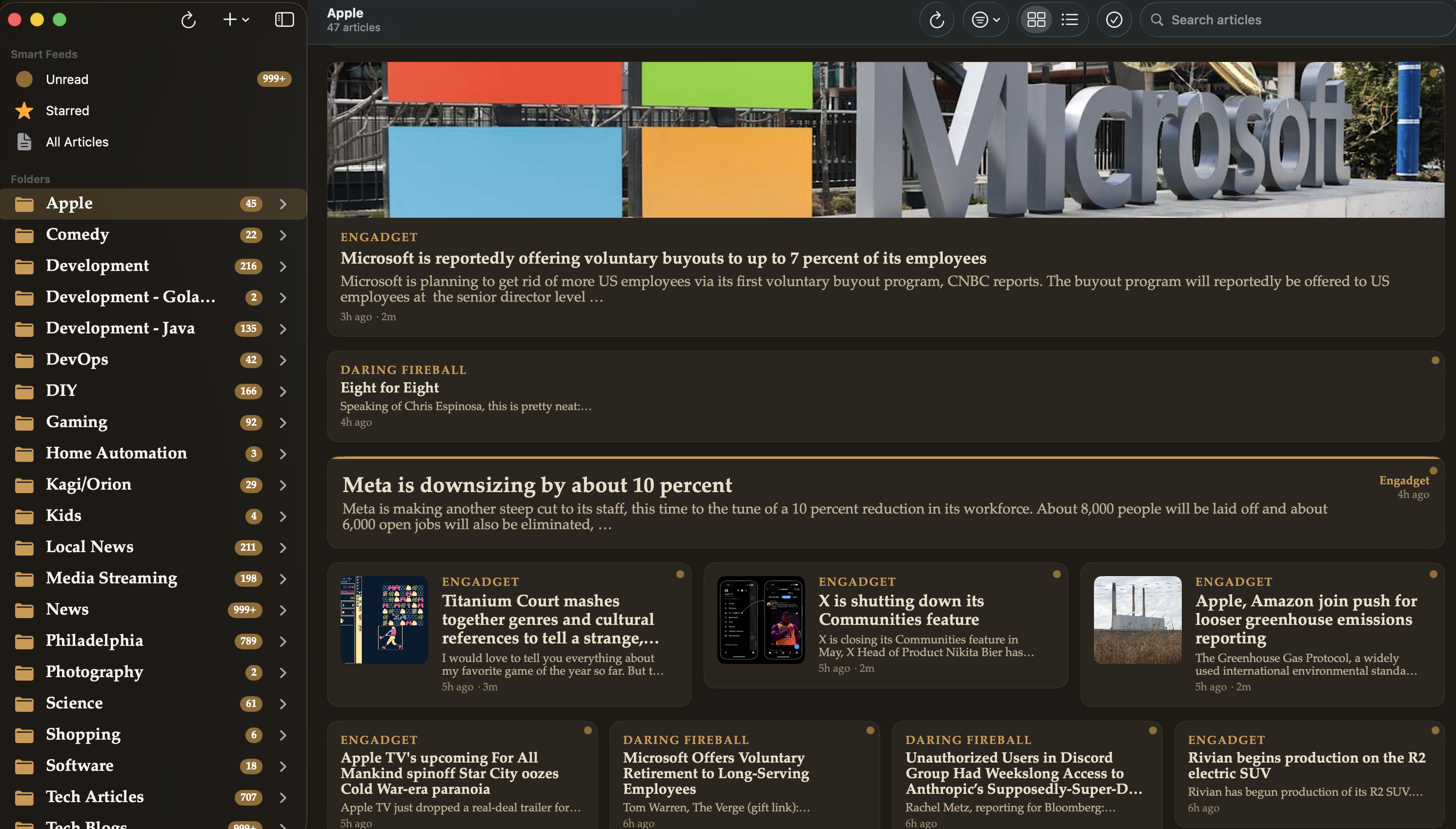
Reading, the way it used to be.
A beautifully native client for your Miniflux server — no ads, no tracking, no feed-of-the-day recommendations.
Native on every Apple device
Pure SwiftUI, zero third-party dependencies. Fast on launch, fast between articles, at home on iPhone, iPad, and Mac.
Privacy by design
No analytics SDKs. No trackers. No telemetry. Flux News connects only to your Miniflux server — nothing else.
Real reader view
Strip out clutter and render articles in a clean, theme-aware layout. Pull full content with Miniflux's crawler mode when the feed is only a snippet.
Listen to articles
Built-in text-to-speech with voice selection. Pause, resume, and stop from inside the article view — perfect for commutes.
Keyboard-first on Mac
Comprehensive menu-bar shortcuts for every action. Refresh, navigate, star, mark read, or fetch original content without touching the mouse.
Folders, stars, search
Full category management, starred-article view, and fast full-text search across all your feeds.
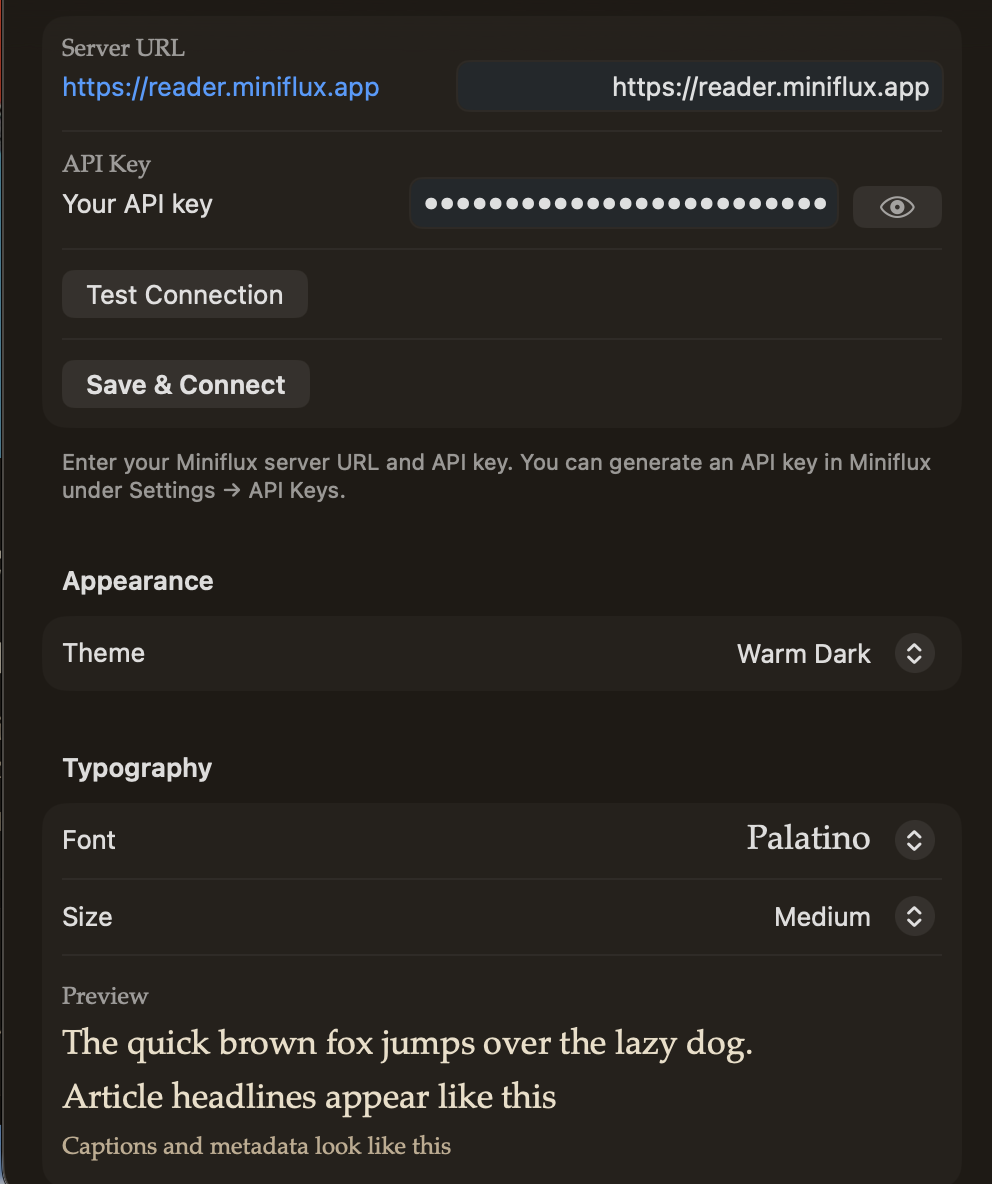
Point it at your server and you're reading.
Drop in your Miniflux URL and API token, pick a theme, and you're done. Everything — read state, stars, folders, unread counts — syncs through your Miniflux server itself. No second account. No cloud middle-man. No second source of truth.
- Connect with a Miniflux URL + API token
- Light, dark, and system-matching themes
- Per-feed, per-folder, and total unread counts
- Supports Miniflux's full-content crawler for snippet feeds
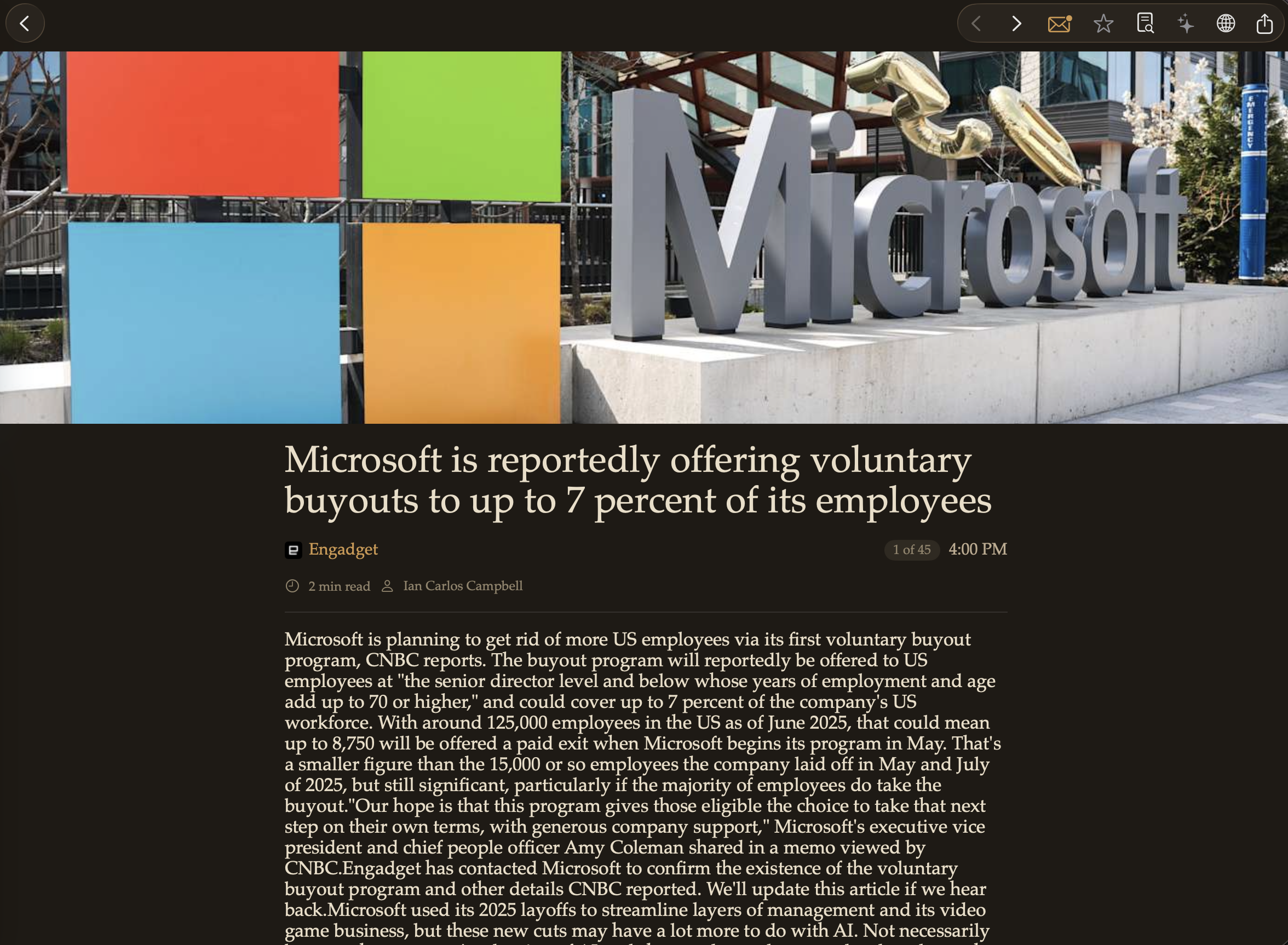
A reader view that actually reads.
Articles render in a clean, typography-first layout that adapts to your theme and text size. When a feed only ships a summary, tap through and Miniflux's crawler pulls the full article. Prefer listening? Built-in text-to-speech will read the piece aloud while you walk, drive, or do the dishes.
- Distraction-free reader with adjustable text size
- Full-content fetch for snippet-only feeds
- Text-to-speech with voice selection and playback controls
- Star, share, or open the original in one tap
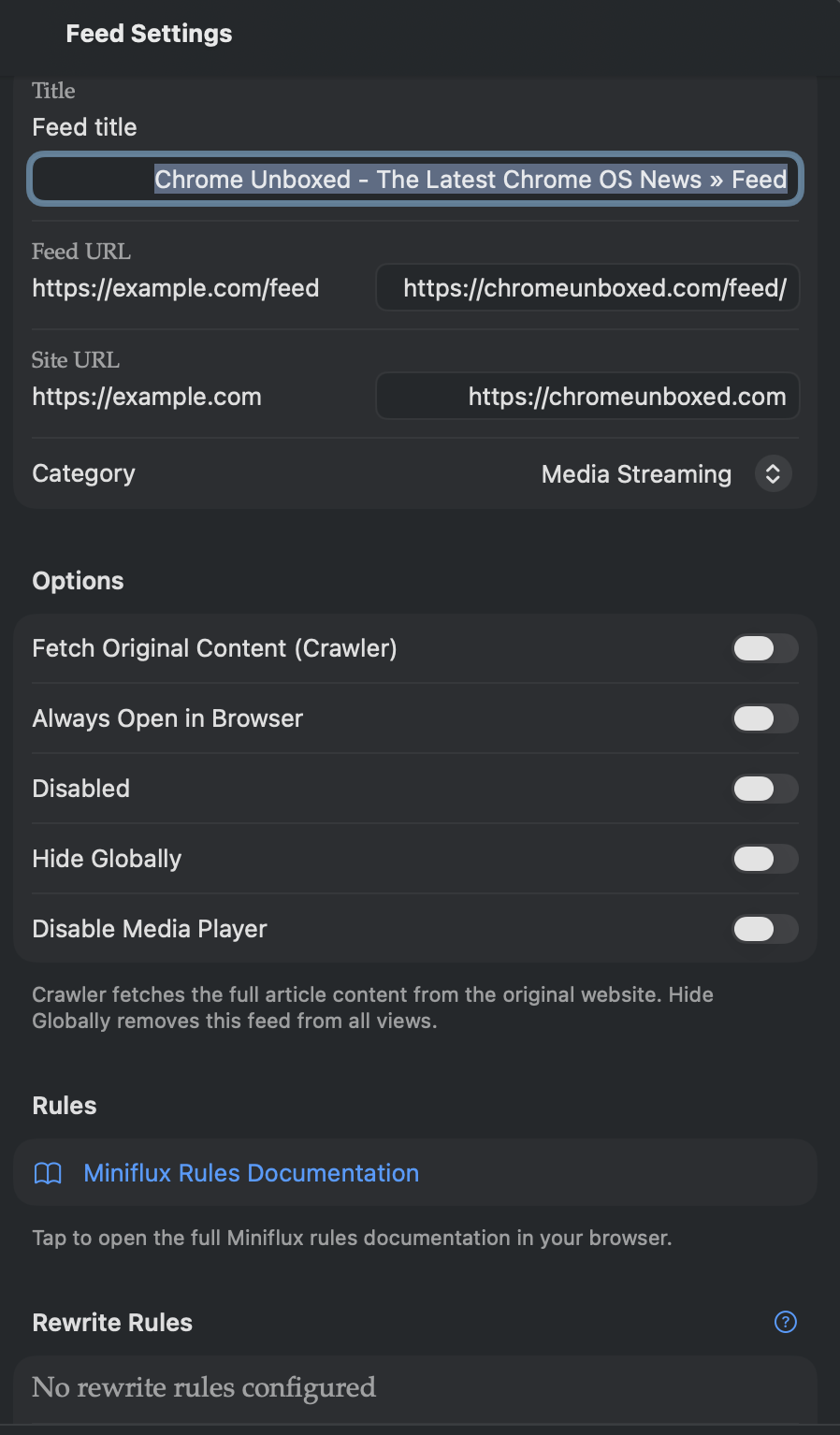
Organize once, sync everywhere.
Add feeds, arrange them into folders, tune how often each one refreshes, and mark categories read in bulk. Every change flows back through Miniflux, so your iPhone, iPad, Mac, and web UI all stay in lockstep.
- Add, rename, and delete feeds from inside the app
- Per-feed refresh intervals and crawler toggles
- Full category/folder management
- Share extension to subscribe from Safari
Why another RSS reader?
Because the good ones keep vanishing into subscriptions, algorithms, or acquisitions — and Miniflux deserves a first-class native client on every Apple device.
Flux News is that client. No cloud account to create. No “For You” feed. No recommendations from sources you didn’t pick. Just the feeds you subscribed to, rendered quickly and cleanly, synced through the Miniflux server you already trust.
If you already run Miniflux, Flux News is a 30-second setup. If you don’t, it’s the nudge to finally own your reading experience.